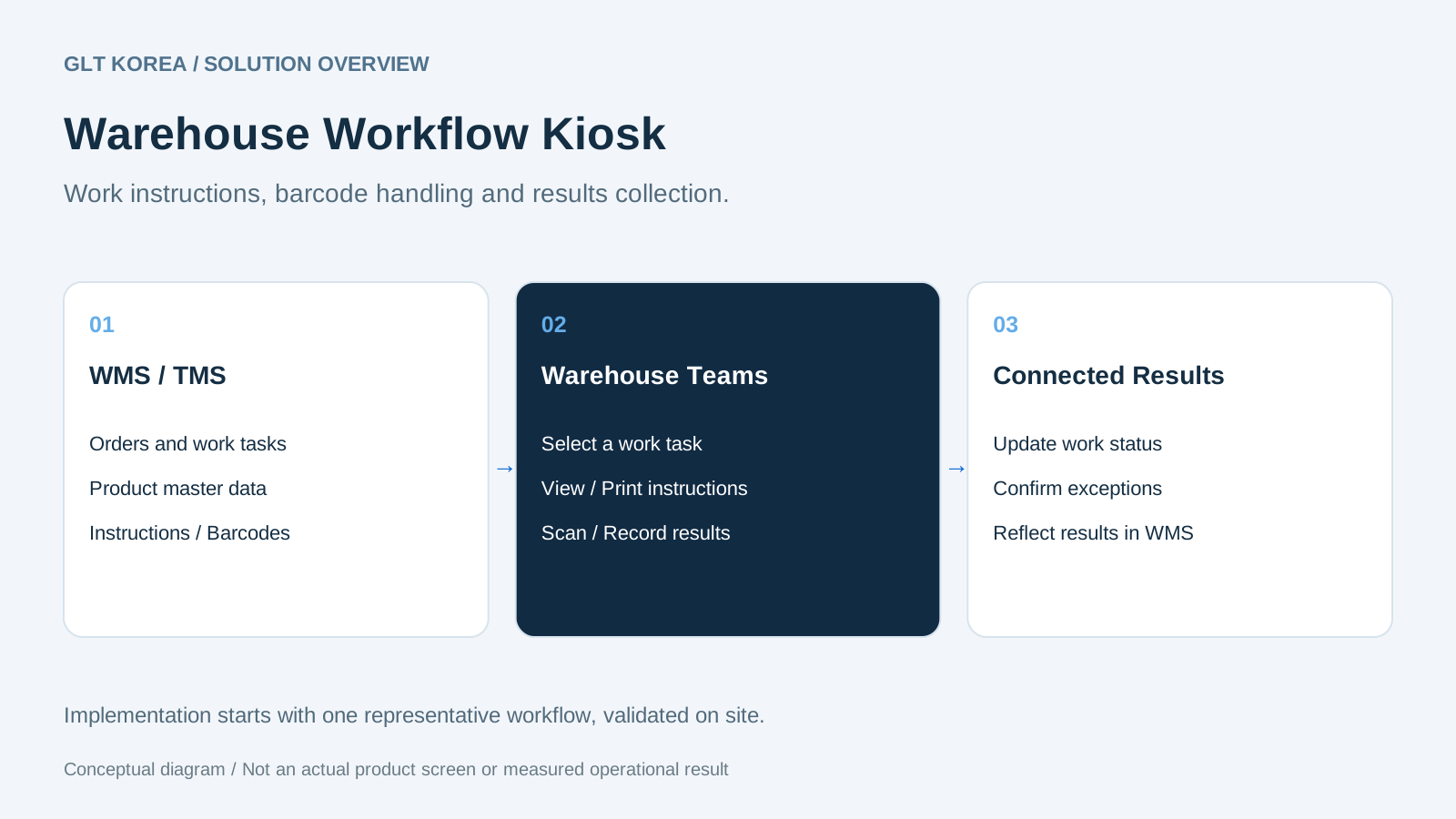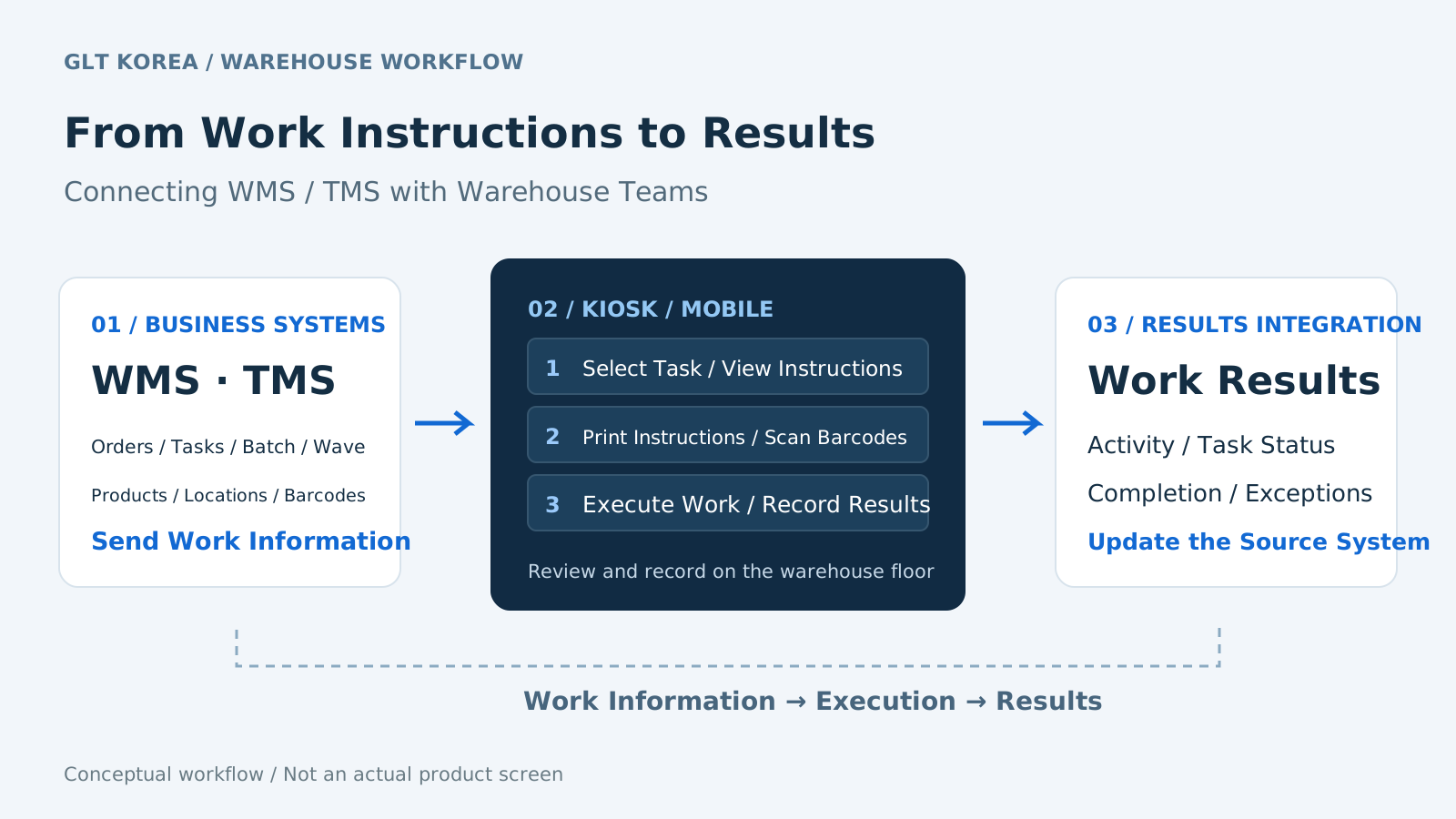
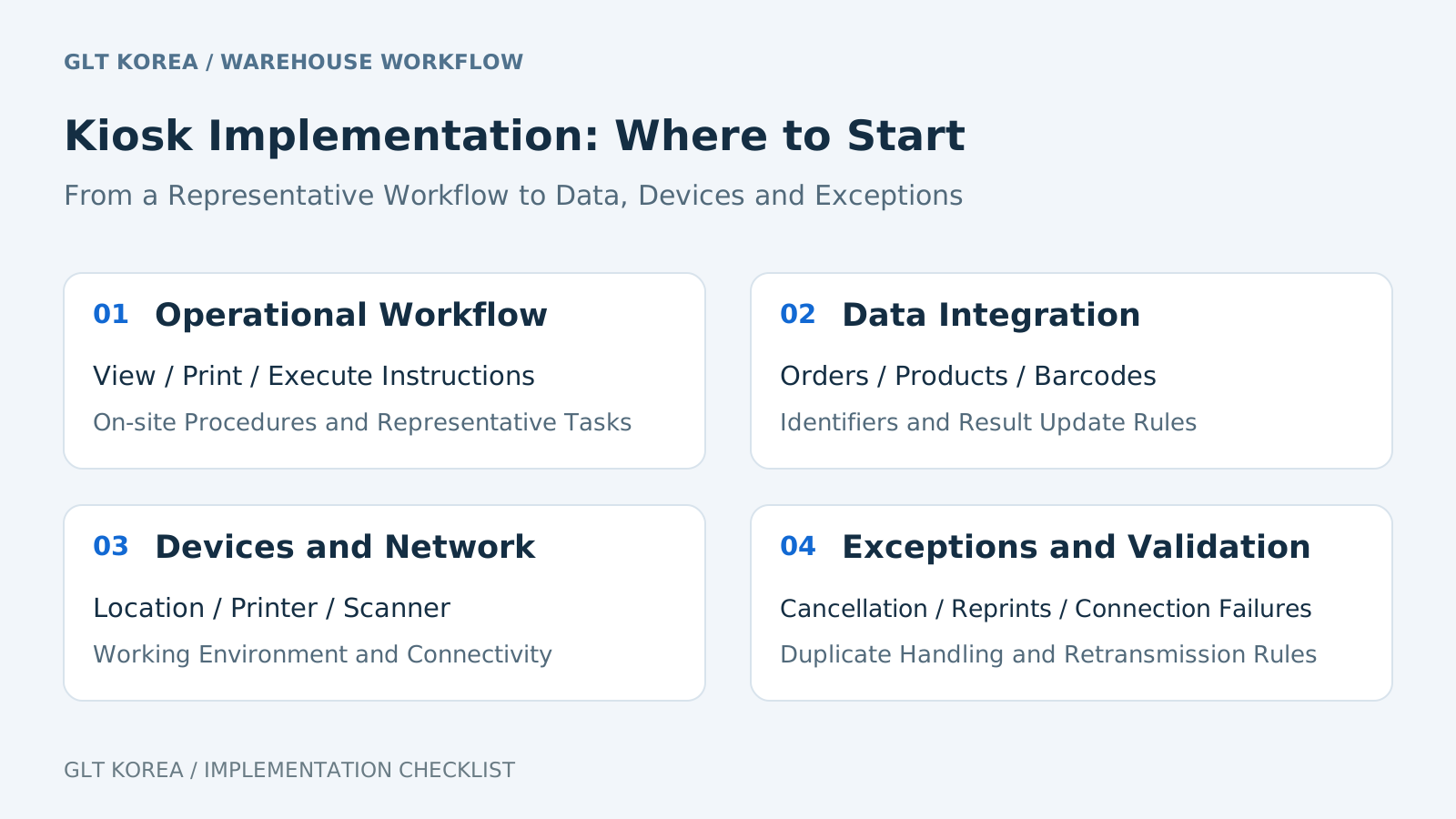
The introduction of a logistics center kiosk begins with deciding which work instructions will be received, who will process them, and where the results will be reflected, before selecting a terminal. It is recommended to distinguish the roles of existing WMS/TMS and field equipment and verify the connection with one representative task.
Which sites are worth reviewing?
- When workers make repeated visits to the management office to receive instructions
- When picking, inspection, and loading results are recorded on paper and re-entered
- When the status of the site and system changes when instructions are changed, reprinted, or canceled
- When standards for output and barcode processing are different depending on the shipper and job
This is an introduction review situation. This does not mean that simply installing a kiosk will solve all your problems or increase productivity by a certain percentage.
Five things to prepare before your consultation
| Preparation materials | What to check |
|---|---|
| Representative operating procedures | Person in charge, location, processing order and current inconveniences from receiving instructions to completion |
| Instructions and barcode samples | Format, print size, required codes, scan target and reprint conditions |
| Order/standard information | Order/job identification key, shipper/product/location code and unit |
| System linkage specifications | API or file delivery method, reception/response/completion criteria and cancellation/change rules |
| Equipment/installation environment | Terminal/printer/scanner specifications, power source/network, installation location and work flow route |
Exceptions to be agreed upon before normal processing
Set standards for handling tasks with lost communication, resending of the same results, cancellation after completion, reprinting of instructions, and barcode mismatches. The system that confirms work status, reprocessing authority, and the person in charge of checking results must be clear to reduce differences between the site and the system. This is a baseline to check when designing your adoption and does not mean that all exception handling is built-in.
How do I conduct on-site verification?
- Select representative shippers/work and test orders.
- Confirm receipt of instructions, display, output, scan, and reflection of completed results in order.
- Cancellation, reprinting, communication failure, and duplicate transmission are checked using the same standards.
- After training workers and appointing a person in charge of responding to failures, the scope of application is expanded.
What should I record to compare effectiveness?
You can compare the waiting time to receive instructions, the time to re-enter results, and the number of jobs missed or reprocessed under the same work type and quantity conditions. The measurement period, target, and formula must be recorded together, and changes in quantity and manpower before and after terminal installation must also be confirmed. No actual customer performance or guaranteed figures are presented here.
Frequently Asked Questions
Can I use the existing equipment as is?
You must check the operating system/browser, printer/scanner connection method, and required screen/output specifications. Equipment compatibility is reviewed individually.
Do I need to introduce a new WMS?
If there is an existing system, first review the possibility of linking receiving work information and reflecting results based on that system. Replacement is not always a prerequisite.
What does the period/quotation depend on?
The main conditions are the number of centers and terminals, the number of types of work and forms, interfaces, further development, and the scope of equipment, installation and maintenance.
This article is an introduction review guide organized based on the workflow of GLT’s existing introduction materials. Kiosk Solutions · Download the introduction · Kiosk introduction consultation